
Introduction
Envision AI is a powerful assistive application designed to support blind and visually impaired users in reading, learning, and understanding the world around them. Using artificial intelligence and a smartphone camera, the app can read printed text, handwritten notes, and digital screens aloud. It also helps users recognize objects, people, and documents, making it useful for both educational and daily learning purposes.
This review is part of the Accessible Apps Series from Inclusive Info Hub, promoting inclusive and assistive technology.
Key Features
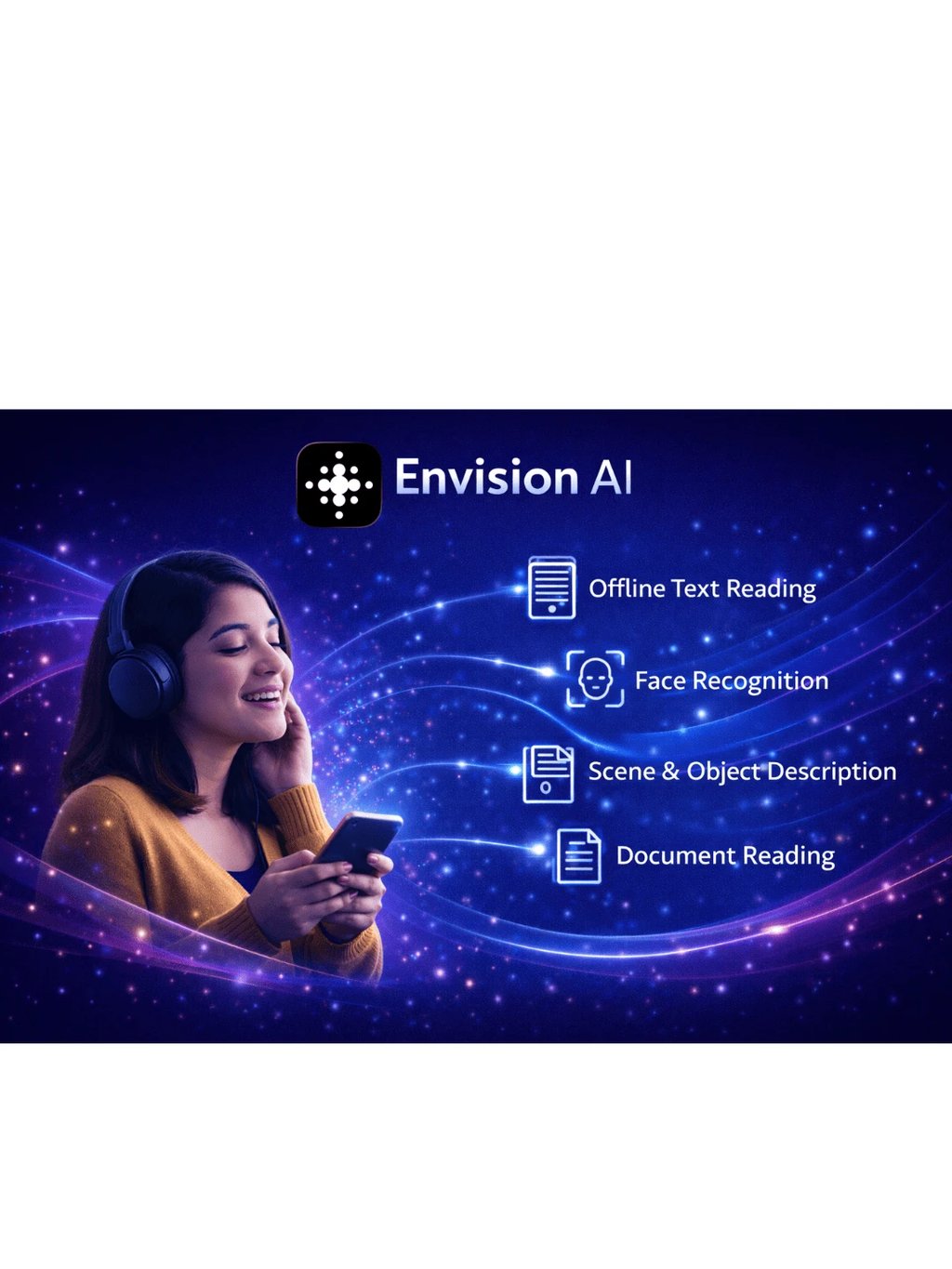
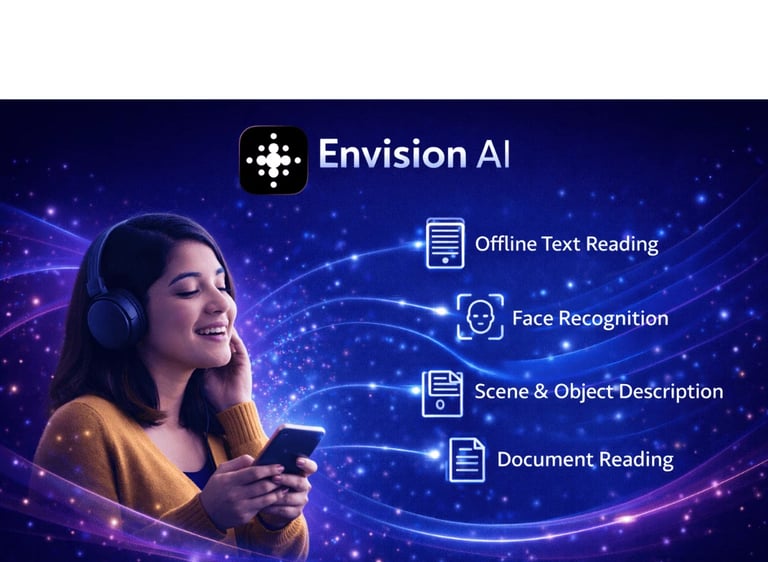
Instant Text Reading: Reads printed and handwritten text aloud using the camera
Document Reading: Supports books, notes, and educational material
Scene & Object Description: Describes surroundings using AI
Face Recognition: Helps identify familiar people
Offline Text Reading: Basic text recognition works without internet
Basic Information
Available on: App Store & Google Play
Price: Free (Subscription available for advanced features)
Developer: Envision Technologies B.V., founded by Karthik Kannan, Anirudh Koul, and colleagues, with an international team advancing AI-powered accessibility solutions.
Category: Education / Daily Living / Accessibility
Languages Supported: Multiple languages (English supported; Urdu support depends on device text-to-speech)
Last Updated: Regularly updated
Benefits for Users with Visual Impairment
Envision AI empowers visually impaired students and learners by giving them independent access to printed educational material.
It reduces dependence on others for reading textbooks, notes, and handouts.
The app supports both academic learning and daily information access, making it suitable for school, college, and lifelong learning.
Benefits for Sighted Individuals
Envision AI goes beyond accessibility — it enhances how anyone interacts with the world around them.
From reading handwritten notes to recognizing objects and describing scenes in real time, it delivers clarity in seconds.
For sighted individuals, it acts as a smart visual assistant that captures details easily missed in busy environments.
Accessibility Highlights
Fully screen reader compatible (VoiceOver & TalkBack)
Clear voice navigation and audio feedback
Supports large text and high-contrast interface
Works with camera-based OCR for inclusive reading
Can be used with screen magnification tools
Our Review
Envision AI is a highly innovative and reliable assistive app that combines education and daily accessibility in one platform. Its AI-powered reading and recognition features make it especially valuable for visually impaired students who rely on printed material.
Limitations:
Advanced features require a paid subscription
Urdu reading depends on device text-to-speech support
Face recognition requires prior setup
How to Get It
Conclusion
Envision AI is an excellent example of how artificial intelligence can enhance education and independence for visually impaired users. It bridges the gap between printed content and accessible learning, making education more inclusive and practical.
FAQ's
Q1: Can Envision AI be used for educational purposes?
Yes, it is widely used to read textbooks, notes, worksheets, and classroom materials.
Q2: Does Envision AI support Urdu language?
Urdu support depends on the device’s text-to-speech engine. The app itself supports multiple languages, but Urdu availability may vary.
Q3: Is Envision AI free to use?
The app is free with basic features. Advanced tools require a subscription.
Q4: Does it work with screen readers?
Yes, it works smoothly with VoiceOver and TalkBack.
Q5: Can Envision AI work offline?
Basic text reading features can work offline, while advanced AI features require internet.



Contact
Reach out for support or questions
inclusiveinfohub@gmail.com
© 2025. All rights reserved.