
One Step Reader App Review
One Step Reader — Fast Text & Image Reading App for Everyone
Inclusive Info Hub
2/24/20262 min read
Basic Information
App Title: One Step Reader
Available on: App Store & Google Play (Both iOS and Android)
Price: Free with In-App Purchases
Developer: One Step Apps
Category: Education / Accessibility / Productivity
Languages Supported: Multiple languages (varies by device)
Last Updated: Regular updates on both stores
Overview
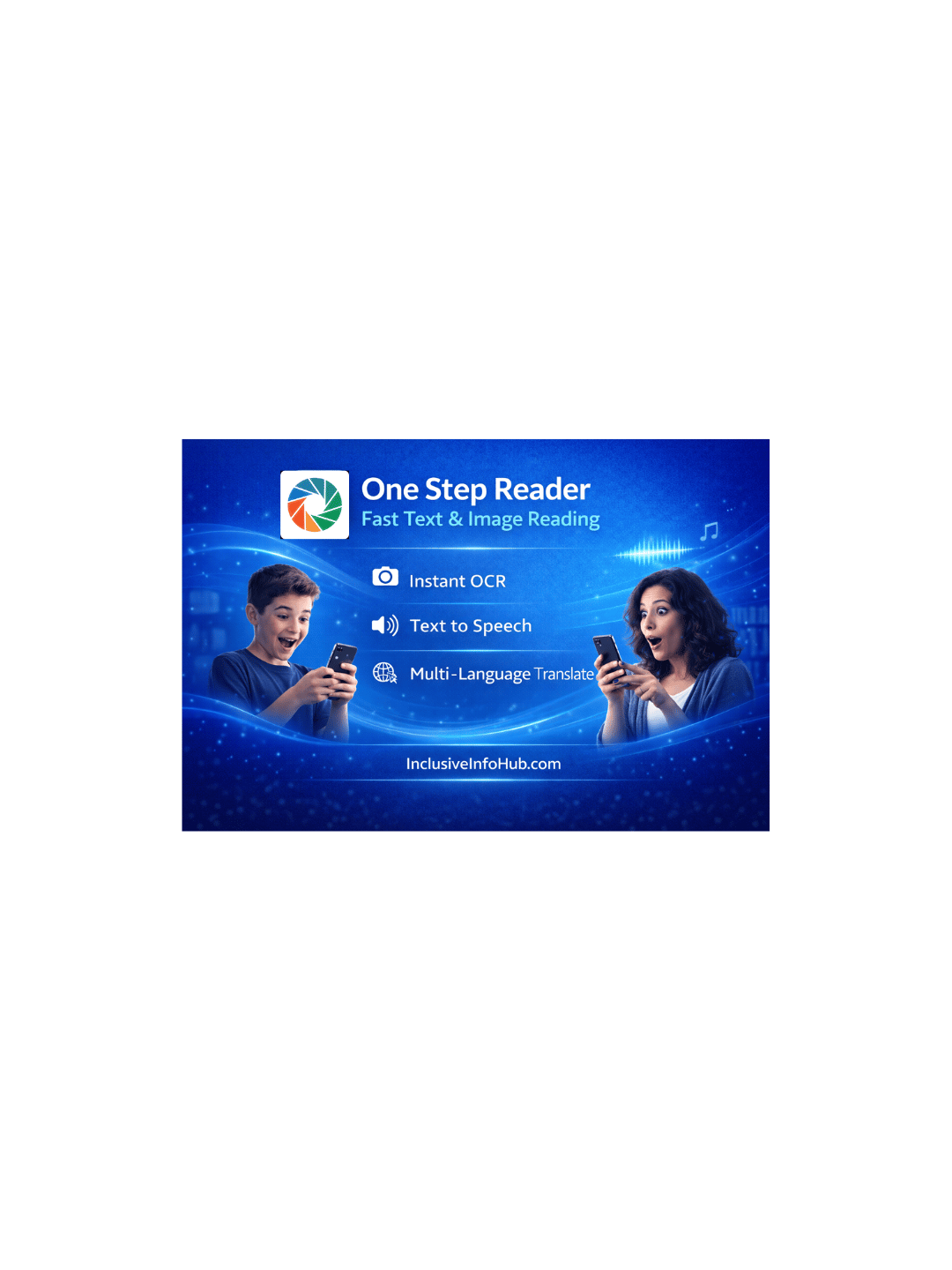
One Step Reader is an easy-to-use OCR and text-to-speech app that helps users capture text using their camera and convert it into speech or editable text instantly. It is designed to support visually impaired users who need quick access to printed text, but it also offers great value to sighted users such as students, professionals, and travelers who want fast reading and translation capabilities. The app’s simple interface and AI-driven processing make reading printed and hand-written text faster and more accessible for everyone.
This review is part of the Accessible Apps Series from Inclusive Info Hub, promoting inclusive and assistive technology.
Who Is This App For?
Visually impaired users who need instant text access
Students who want quick OCR scanning for notes
Professionals who need to read documents on the go
Travelers who need fast text recognition and translation
Anyone who prefers listening over reading long print
Key Features
Instant OCR Scanning — Scan printed text or handwriting instantly
Text-to-Speech Output — Listen to scanned text in natural voice
Editable Export — Save text as editable files (TXT, PDF, etc.)
Translation Support — Translate recognized text into multiple languages
Benefits for Users with Visual Impairment
One Step Reader enables visually impaired users to capture and listen to printed text independently. Whether it’s food labels, study notes, signs, menus, or letters, the app’s scanning and audio playback help users navigate daily tasks without assistance.
Real-Life Example:
A visually impaired student can scan classroom handouts and listen to them on the spot, improving independence and reducing dependency on others for reading.
Benefits for Sighted Users
Sighted users benefit from One Step Reader as a fast productivity tool. It helps students digitize study materials, travelers read foreign text, and professionals scan documents easily without needing bulky scanners or external tools.
Accessibility Highlights
Works smoothly with screen readers (VoiceOver, TalkBack)
Adjustable speech speed and voice selection
Clear interface suitable for low-vision users
Built-in text translation and audio playback
Our Review
One Step Reader is a reliable all-in-one text scanner and reader ideal for both accessibility and productivity. Its simple design and quick OCR processing make it a go-to tool for users of all abilities.
Limitations:
Some advanced features require in-app purchase
Translation accuracy may vary with handwriting
Performance depends on lighting and image quality
How to Get It
Conclusion
One Step Reader is a versatile app that makes text accessible to visually impaired users while also serving sighted users who want efficient reading and OCR capabilities. Its balance of simplicity and utility makes it a strong inclusive tool.
FAQs — One Step Reader
1. Can One Step Reader scan handwritten text?
Yes, it can scan both printed and handwritten text with decent accuracy.
2. Does it support text-to-speech output?
Yes, the app can read recognized text out loud in natural voices.
3. Is One Step Reader free?
Basic features are free, but some advanced tools require in-app purchases.
4. Does the app work offline?
Some scanning and reading features work offline, but advanced language processing may require internet.
5. Is One Step Reader helpful for visually impaired users?
Definitely — it provides instant audio access to printed text and labels.