
Speech Central
Speech Central — Smart Text-to-Speech for Reading & Learning
Inclusive Info Hub
2/3/20262 min read
Basic Information
App Title: Speech Central
Available on: iOS, Android, Windows, Mac
Price: Free with limited features / Paid (one-time or subscription depending on platform)
Developer: Labsii Ltd
Category: Education / Reading / Accessibility / Productivity
Languages Supported: Multiple languages including English (varies by system voices)
Last Updated: Regularly updated
Overview
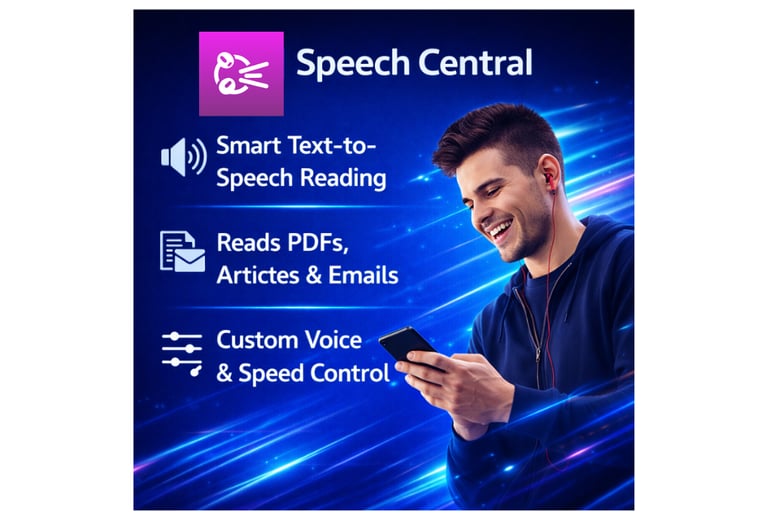
Speech Central is a powerful text-to-speech app that converts articles, documents, emails, and web pages into natural-sounding audio. It is designed to help visually impaired users, people with dyslexia, and anyone who prefers listening over reading. The app supports long-form reading, note-taking, and voice customization. While it is highly valuable for blind and low-vision users, Speech Central is also useful for sighted users who want to multitask, study efficiently, or reduce eye strain.
This review is part of the Accessible Apps Series from Inclusive Info Hub, promoting inclusive and assistive technology.
Key Features
High-quality text-to-speech reading
Import articles, PDFs, emails, and web content
Adjustable voice, speed, and pitch
Bookmarking and reading progress tracking
Offline listening support
Multi-device synchronization
Benefits for Users with Visual Impairment
Speech Central enables visually impaired users to listen to books, news, documents, and study material using screen readers and audio playback. It helps users stay informed, learn independently, and reduce dependence on printed text.
Real-life example:
A blind user can listen to online articles, emails, or academic notes while commuting or studying at home.
Benefits for Sighted Users
Speech Central also benefits sighted users who:
Prefer listening while multitasking
Have dyslexia or reading fatigue
Want faster content consumption
Study through audio-based learning
It promotes inclusive access to information for everyone.
Accessibility Highlights
Compatible with screen readers (VoiceOver, TalkBack)
Adjustable text size and playback controls
Keyboard navigation support
Works well for dyslexia and reading difficulties
Customizable listening experience
Our Review
Speech Central is a feature-rich and reliable text-to-speech tool for education, productivity, and accessibility. It stands out for long-form reading and content organization.
Limitations:
Premium features require payment
Some voices depend on system voice availability
Learning curve for new users
How to Get It
Conclusion
Speech Central is an excellent reading companion for both visually impaired and sighted users. By transforming text into audio, it improves accessibility, productivity, and inclusive learning experiences.
FAQ — Speech Central (Schema-Ready Content)
1. Is Speech Central good for visually impaired users?
Yes, it supports text-to-speech and screen reader accessibility.
2. Can Speech Central read web articles and PDFs?
Yes, it can import and read multiple content formats.
3. Does Speech Central require internet access?
Offline listening is supported after downloading content.
4. Is Speech Central useful for students?
Yes, it helps students listen to study materials and notes.
5. Does Speech Central support voice customization?
Yes, users can adjust voice, speed, and pitch.