
Speechify Review 2026: Is This Text to Speech App Worth It?
Honest Speechify review for beginners. See how this text to speech app works, key features, pricing, and pros and cons to decide if it’s right for you.
Inclusive Info Hub
1/27/20263 min read

Speechify Review for Beginners: How This Text to Speech App Really Works
If you’re new to text to speech apps and wondering if Speechify is worth it, this beginner-friendly review is for you. I’ll explain what Speechify is, how it works, its main features, pricing, and the real pros and cons so you can decide if it fits your needs.
Speechify is a popular text-to-speech app that transforms written content into natural-sounding audio. It is widely used by students, professionals, and lifelong learners who prefer listening instead of reading. At the same time, Speechify plays a crucial role in making digital content accessible for people with visual impairment or reading difficulties. Whether someone wants to study faster, multitask efficiently, or access text independently, Speechify provides a flexible and inclusive reading experience.
This review is part of the Accessible Apps Series from Inclusive Info Hub, promoting inclusive and assistive technology.
Who Is This App For?
Students who want to study by listening
Professionals who multitask while commuting or working
People with dyslexia or reading fatigue
Users with visual impairment or low vision
Anyone who prefers audio over visual reading
Key Features
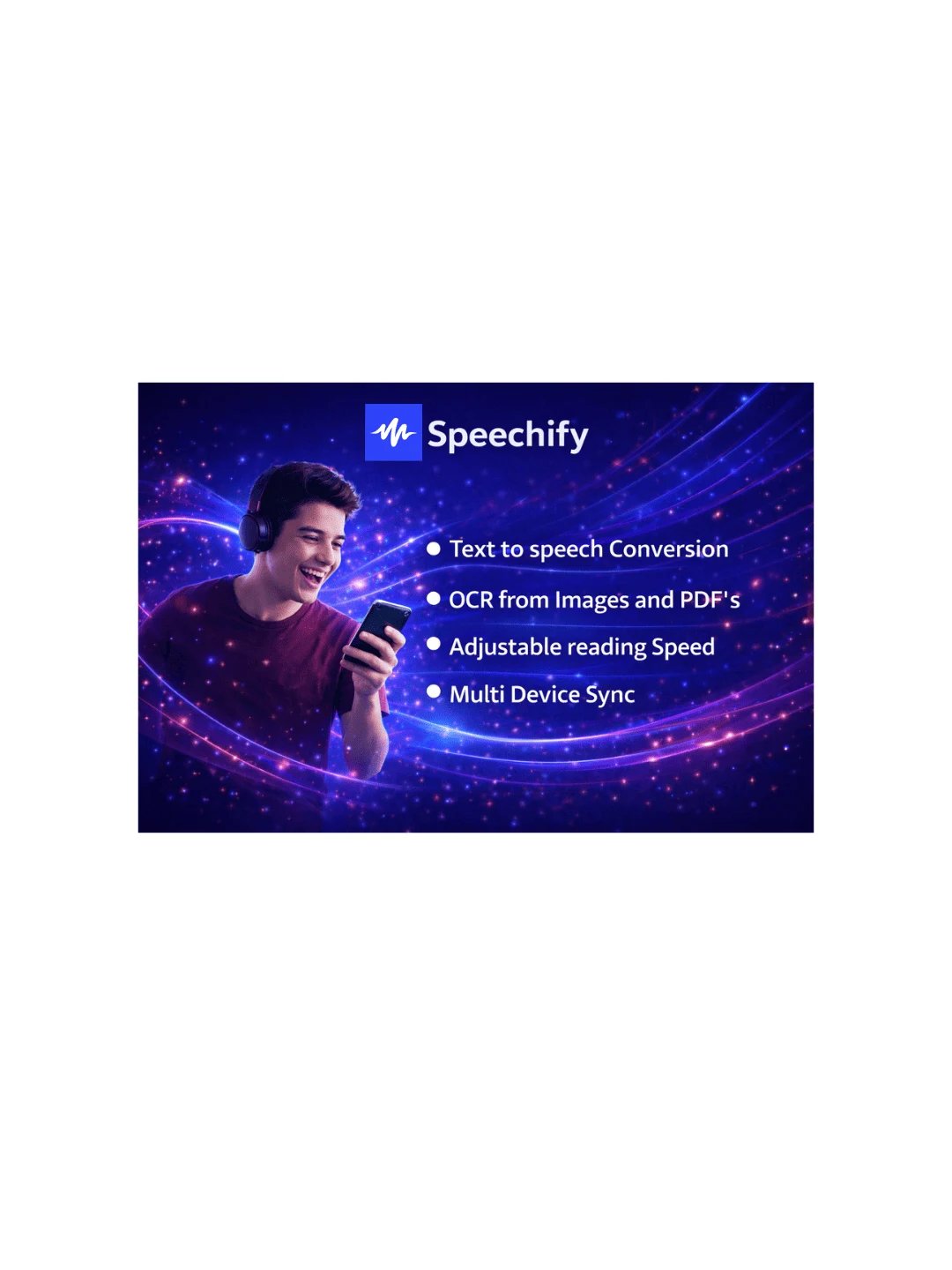
Converts text, PDFs, web pages, and documents into speech
High-quality AI voices with adjustable speed and tone
Supports scanning printed text using the camera
Syncs content across multiple devices
Basic Information
Available on: App Store / Google Play / Web
Price: Free (Limited) / Premium Subscription
Developer: Cliff Weitzman, with a global team at Speechify Inc. supporting the ongoing development and improvement of the Speechify platform..
Category: Education / Productivity / Accessibility
Languages Supported: English and multiple international languages
Last Updated: Regularly updated
Benefits for Users with Visual Impairment
Speechify enables visually impaired users to access written information independently without relying on others. It allows users to listen to books, articles, emails, and study material anytime. The customizable speech speed and voice clarity help users adapt the app according to their comfort, making learning and information access faster and less tiring.
Real-Life Example:
A visually impaired student can scan a printed handout and listen to it instantly, reducing dependency on human readers.
Accessibility Highlights
Fully compatible with screen readers
Simple interface with clear navigation
Customizable reading speed and voice clarity
Supports hands-free learning and listening
Quick Decision Guide
Best for: Students, professionals, visually impaired users
Not ideal for: Users looking for fully free long-term use
Ease of use: Very easy
Our Review
Speechify stands out as a powerful example of inclusive technology that benefits everyone. It successfully bridges productivity and accessibility in one platform.
Limitations:
Premium subscription required for advanced features
Some voices are locked behind paid plans
How to Get It
Why This App Matters for Inclusive Technology
Speechify demonstrates how the same technology can serve both convenience and accessibility. When sighted users and visually impaired users rely on the same tool, it promotes inclusion, independence, and equal access to information.
Conclusion
Speechify is more than a productivity app — it is a gateway to inclusive learning. Whether used for convenience or accessibility, it empowers users to consume information in the way that suits them best. Want to explore more helpful tools? Check out my guide on NaturalReader and see how it can support your daily life.
FAQs
1. Can sighted users benefit from Speechify?
Yes, many sighted users use it for studying, multitasking, and faster content consumption.
2. Is Speechify suitable for visually impaired users?
Yes, it offers strong accessibility features and supports independent reading through audio.
3. Does Speechify support multiple languages?
Yes, it supports several international languages, though availability may vary.
4. Is Speechify free to use?
A free version is available, but premium features require a subscription.
5. Can Speechify read scanned printed text?
Yes, users can scan printed text using the camera and listen instantly